Which Fire TV Stick Should You Buy in 2026? The Ones That Work With TVRivo

Get a Fire TV Stick 4K Plus, 4K Max or a Fire TV Cube. Avoid the Fire TV Stick 4K Select and the new second-generation Fire TV Stick HD: they can't install TVRivo.

TVRivo Team · October 2, 2026 · 3 min read
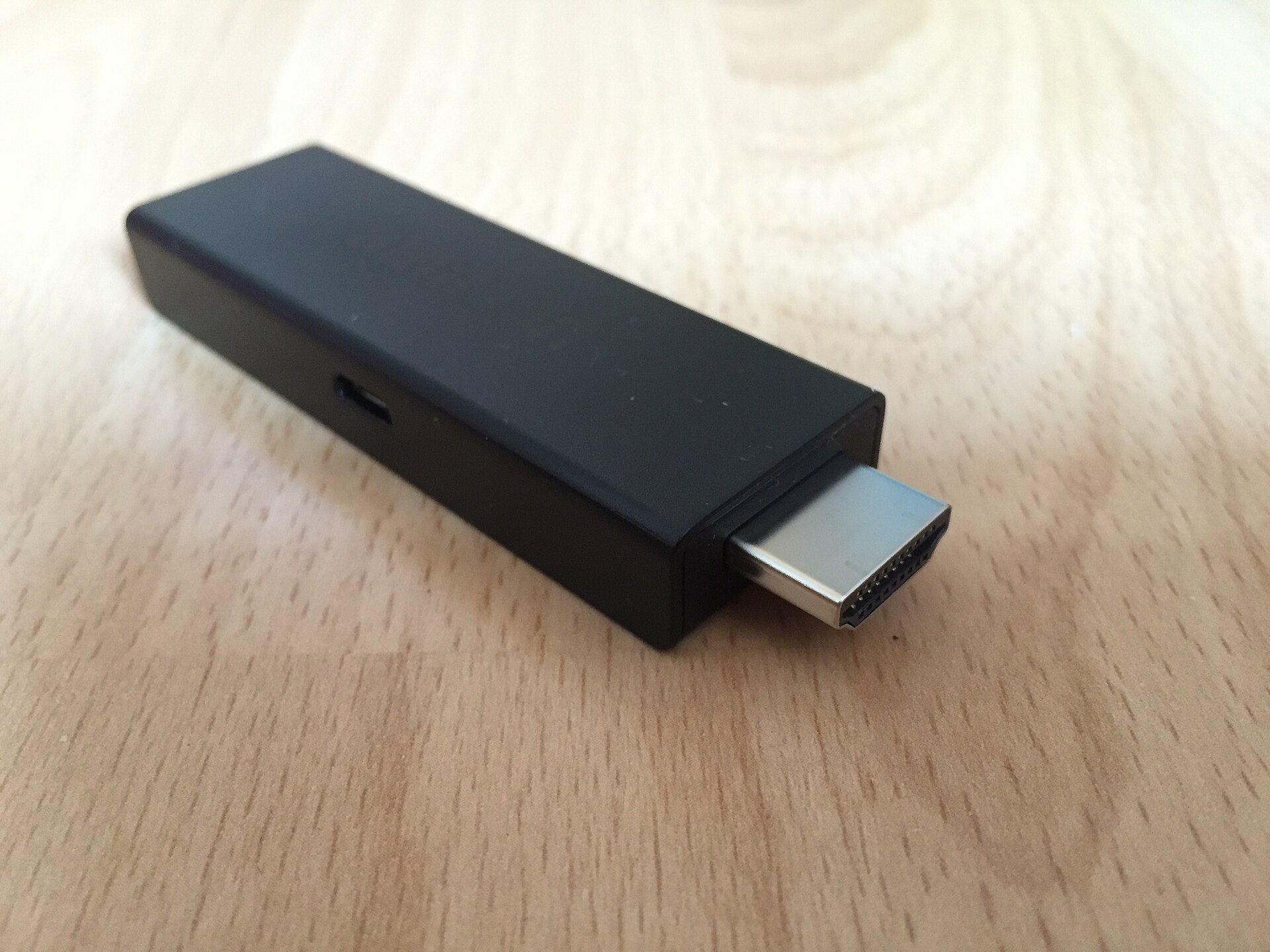
Which Fire TV Stick Should You Buy in 2026? The Ones That Work With TVRivo

Buying a Fire TV Stick used to be simple: any of them would do. That changed in 2025, when Amazon started putting a new system on some of its cheapest sticks, and those can't install apps from outside the Amazon Appstore. That includes the TVRivo app.

Here's which ones to get and which to leave on the shelf.

The short answer

These work with TVRivo:

  • Fire TV Stick 4K Max

  • Fire TV Stick 4K Plus

  • Fire TV Cube

  • Fire TV Stick HD, first generation (2024)

  • TVs with Fire TV built in

These don't:

  • Fire TV Stick 4K Select (2025)

  • Fire TV Stick HD, second generation (2026)

A simple rule from AFTVnews, which tracks every Fire TV model: if "Select" is in the name, skip it.

Why some new sticks can't install TVRivo

Most Fire TVs run Fire OS, which is built on Android. That's why you can install Android apps on them with Downloader, which is how the TVRivo app gets onto a Fire Stick.

The Fire TV Stick 4K Select and the second-generation Fire TV Stick HD run Vega OS instead, Amazon's newer system, which isn't Android. Vega OS only installs apps from the Amazon Appstore. There's no setting, code or workaround that changes this.

Telling the two Fire TV Stick HDs apart

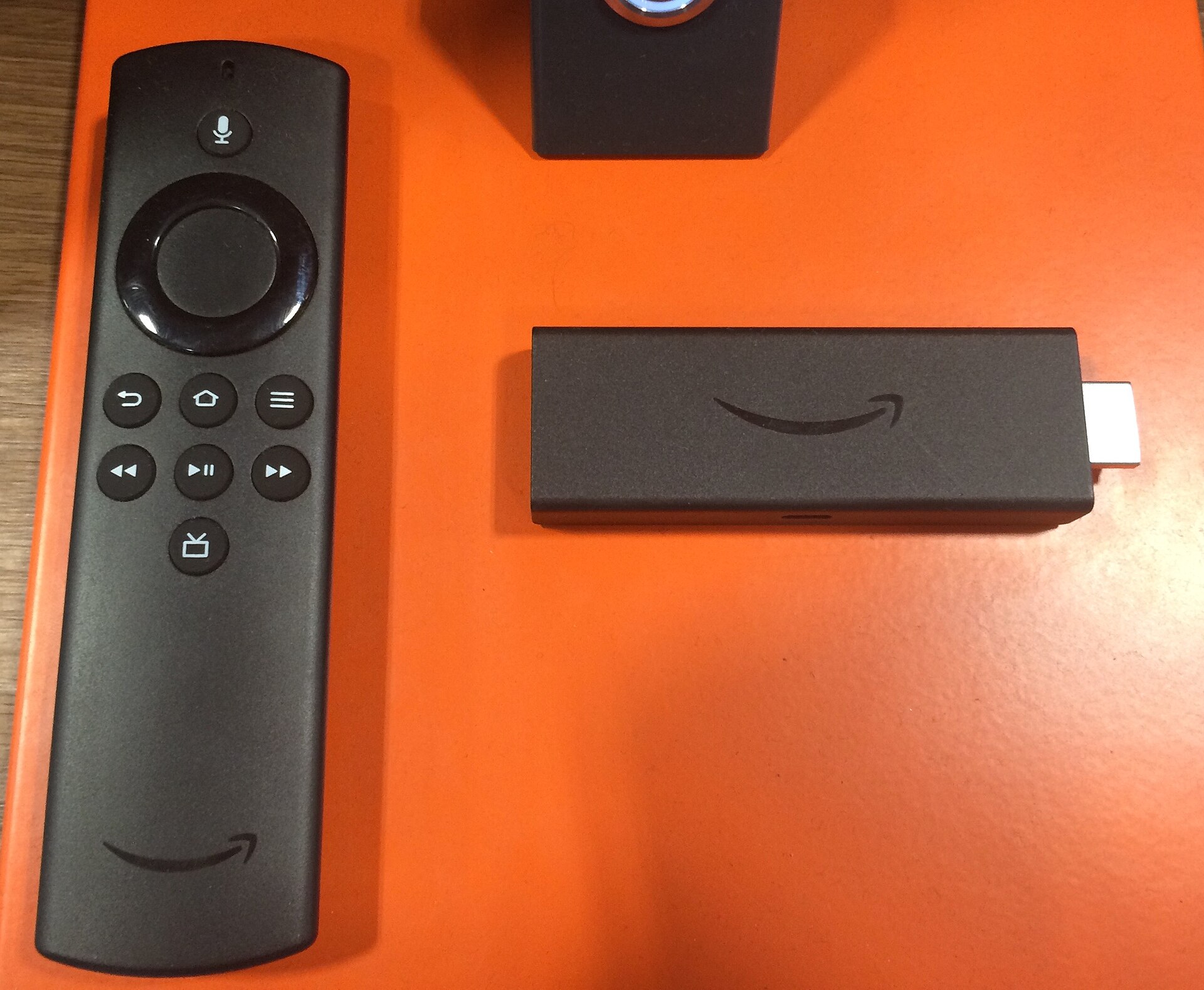
Both are sold as "Fire TV Stick HD", so look closely. According to AFTVnews, the newer Vega OS version has Wi-Fi 6, rounded corners and "Fire TV" printed on the stick itself. If you already have one plugged in, the quickest check is the software:

  1. Go to Settings › My Fire TV › About.

  2. Look at Software Version. Fire OS means it works. If it only says OS and the number starts with 1, it's a Vega OS stick.

Which one to pick

  • Fire TV Stick 4K Max: the one to get if you want the smoothest experience. It's among Amazon's faster sticks.

  • Fire TV Stick 4K Plus: also one of the faster models, and a good middle choice.

  • Fire TV Cube: a small box rather than a stick. The current model has a network port, so you can plug in a cable instead of relying on Wi-Fi. Good if your Wi-Fi is weak where the TV is.

Don't worry if your TV isn't 4K. A 4K stick works fine on an HD TV and simply sends an HD picture.

Already own an older stick?

Check its software version the same way. Fire OS 6, 7 and 8 all run the TVRivo app. Fire OS 5 is too old, because the app needs Android 7 or newer.

Older, slower sticks like the Fire TV Stick Lite and the third-generation Fire TV Stick still work, but they're the ones that struggle most with buffering and slow menus. If yours does, our buffering and freezing fixes are worth a try before you replace it.

Buying second-hand?

Ask the seller for the exact model name, and if you can see it in person, check Software Version under About before you pay. A stick that shows OS with a version starting with 1 won't run TVRivo, however cheap it is.

Got the right stick? Install TVRivo on it in about five minutes.

Watch it all on TVRivo

10,000+ live channels and 200,000+ movies & titles. Try it free for a day.
TVRivo Plans

More Fire Stick

See all