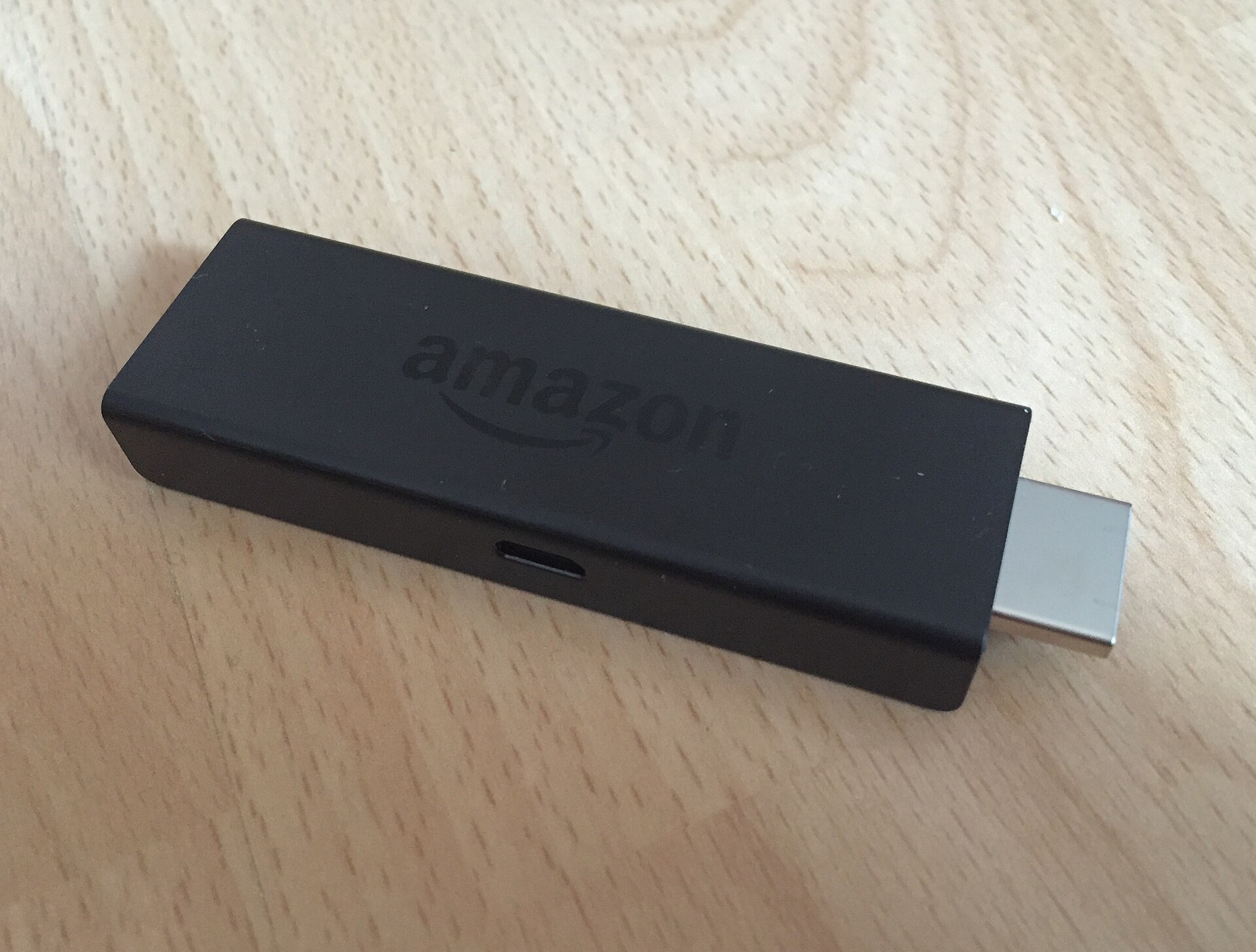
Fire Stick Keeps Buffering or Freezing? Try These Fixes in Order
Start with a proper restart of the stick and the router, then fix the Wi-Fi, clear the app's cache, free up storage and update Fire OS.
TVRivo Team · October 1, 2026 · 3 min read
Buffering usually comes from one of two places: the stick itself (low memory, a full drive, old software) or the connection between the stick and your router. The fixes below go from quickest to most involved. Try them in order and stop when the picture stays smooth.
1. Restart the stick, properly
Pressing the power button on the TV doesn't restart a Fire Stick. It just goes to sleep. Do a real restart instead:
Go to Settings › My Fire TV › Restart.
Or unplug the stick's power cable for a few seconds and plug it back in.
This clears out apps stuck in the background, and it fixes more freezing than anything else on this list.
2. Restart your router
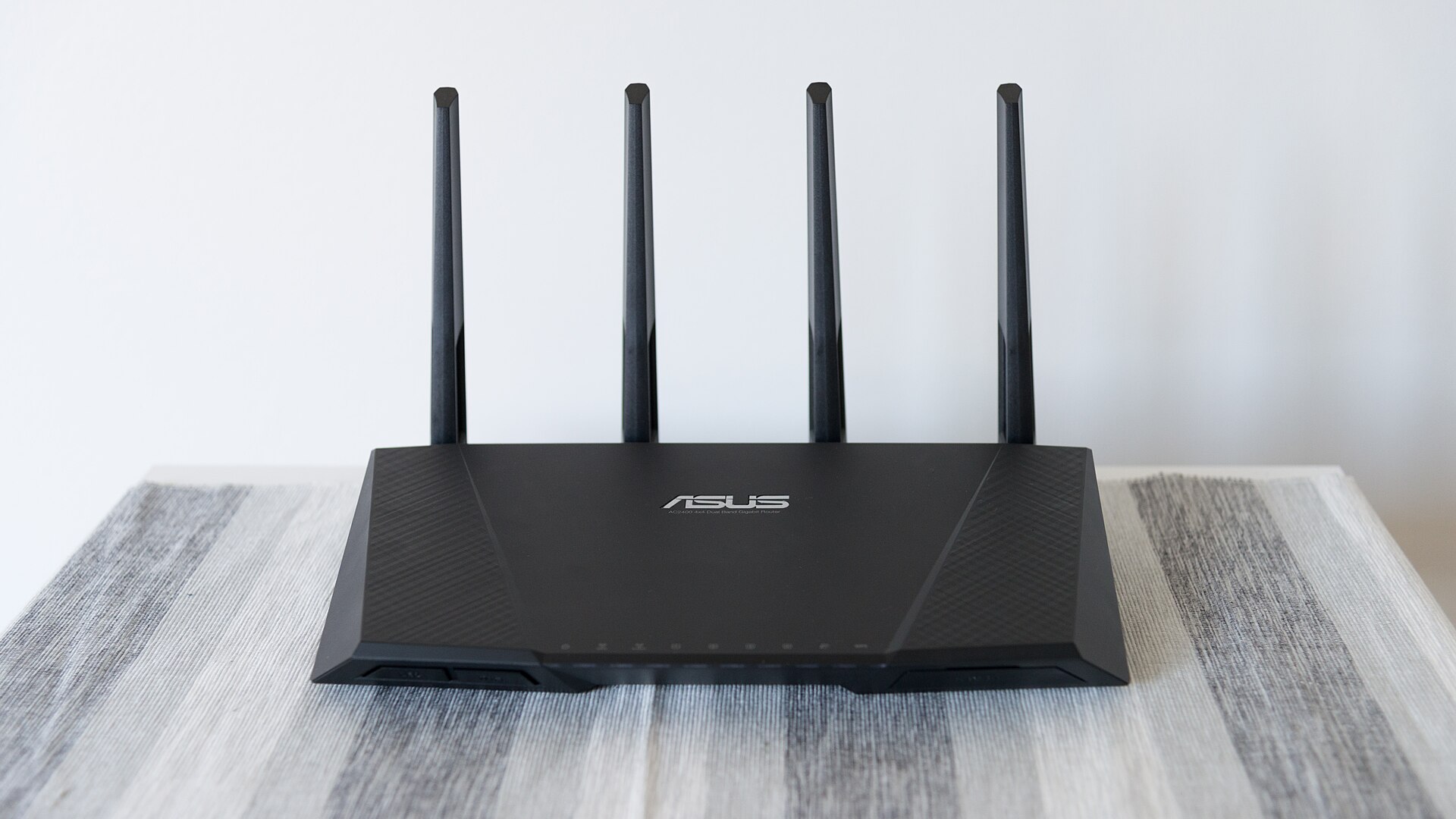
Unplug your modem and router, wait about 30 seconds, and plug them back in. Give them a couple of minutes to come back online, then try again. Amazon suggests this for most streaming problems, and it's free.
3. Check how fast the connection really is
Hold your phone next to the TV, connect it to the same Wi-Fi network and run a speed test. If the result is much lower there than next to the router, the stick's Wi-Fi is the problem, and the next fix is for you. Also check what else is using the internet while you watch. Big downloads and game updates on other devices take speed away from the TV.
4. Give the Wi-Fi a better shot
Use the 5 GHz network if your router shows two network names (often one ends in "5G"). It's faster over short distances. Change it under Settings › Network.
Use an HDMI extender if one came in the box. A stick plugged straight into the back of the TV is boxed in by metal, and the short extender cable moves it out into the open.
Move the router higher up and out of cabinets if you can, or closer to the TV.
Plug in a cable. Amazon's Ethernet adapter connects the stick to your router with a network cable. Amazon recommends a wired connection whenever you can, and it's the most reliable fix for buffering.
5. Clear the app's cache
Apps keep temporary files that can pile up and slow things down. Clearing them is safe:
Go to Settings › Applications › Manage Installed Applications.
Select the app that's buffering, for example TVRivo.
Choose Clear cache.
Pick Clear cache, not Clear data. Clearing data resets the app, and you'd have to sign in again.
6. Free up storage
Fire Sticks don't have much storage, and when it's nearly full everything slows down. In Manage Installed Applications, uninstall the apps you never open.
7. Update Fire OS
Updates fix bugs, including ones that cause freezing. Your stick installs them on its own when it's idle, but you can check now:
Go to Settings › My Fire TV › About.
Select Check for Updates (on some models, Check for System Update).
If one is found, choose Install Update and don't press anything until it's done. It can take up to 30 minutes.
8. Let it cool down
A stick that's jammed behind a wall-mounted TV can get hot, and a hot stick slows down. Use an HDMI extender so it hangs in open air, and make sure nothing is pressed up against it.
Last resort: factory reset
If none of this helps, Settings › My Fire TV › Reset to Factory Defaults wipes the stick back to how it came out of the box. You'll lose your apps and settings, so only do it after trying everything above. Afterwards, reinstall TVRivo with our Fire Stick guide.
Only one channel buffers?
If everything else plays fine and a single channel keeps stopping, the problem is probably on that channel's side, not your setup. Message support with the channel's name and the time it happened so we can look into it.
Watch it all on TVRivo
10,000+ live channels and 200,000+ movies & titles. Try it free for a day.
More Fire Stick
See all
Fire Stick
Which Fire TV Stick Should You Buy in 2026? The Ones That Work With TVRivo
Oct 2 · 3 min read

Fire Stick
Fire TV Remote Not Working? How to Pair It, Reset It or Use Your Phone Instead
Oct 2 · 3 min read

Fire Stick
Downloader Won't Install Apps on Your Fire Stick? Here's How to Fix It
Oct 1 · 4 min read