Downloader Won't Install Apps on Your Fire Stick? Here's How to Fix It
Most Downloader problems come down to a permission that's off, a download that broke halfway, a stick that's too old or full, or a Fire OS bug that an update fixes.
TVRivo Team · October 1, 2026 · 4 min read
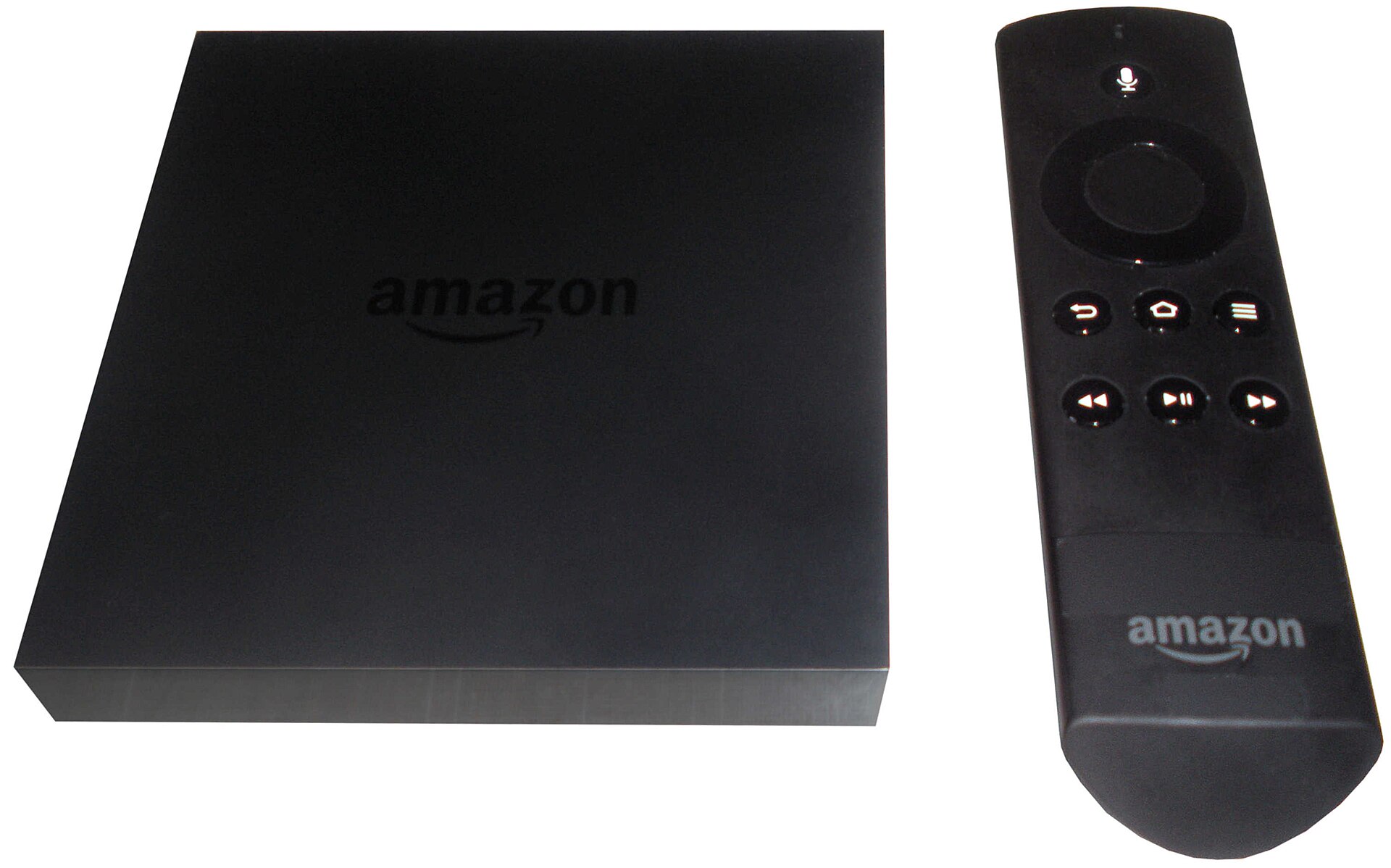
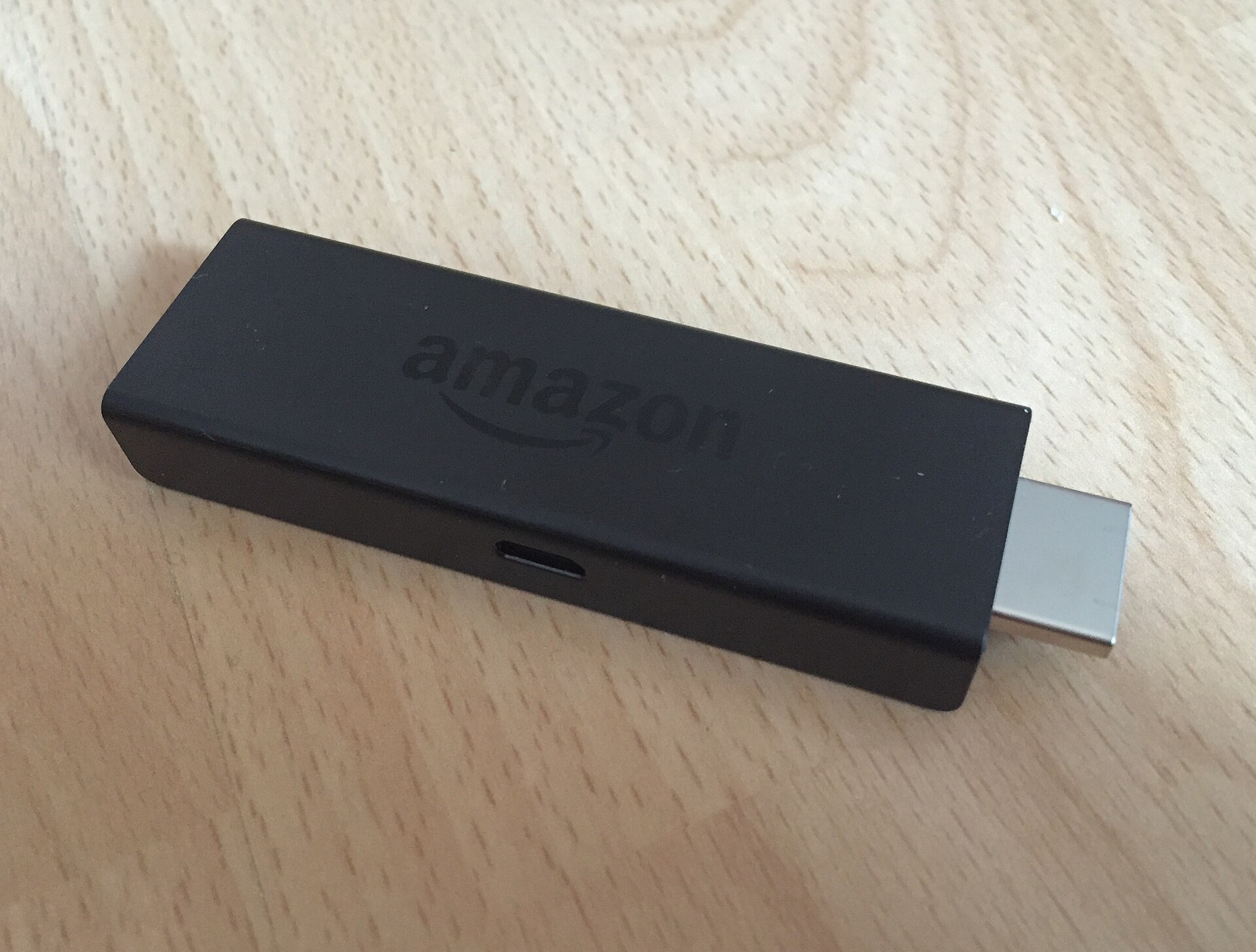
When Downloader won't install an app, it's almost always one of a few things: a permission that's switched off, a download that broke halfway, a stick that's too old or too full, or a Fire OS bug from this summer that an update fixes. Find the problem that matches what you see below and work through it.
Setting up for the first time? Follow how to install TVRivo on a Fire Stick first, then come back here if something goes wrong.
You can't find Downloader in the Appstore
Check which system your stick runs. Go to Settings › My Fire TV › About and look at Software Version. If it says Fire OS, Downloader is available: open Find, search for Downloader and pick Downloader by AFTVnews.
If it just says OS with a number starting with 1, your stick runs Vega OS. That's the Fire TV Stick 4K Select and the second-generation Fire TV Stick HD. Vega OS doesn't support Downloader or apps from outside the Amazon Appstore at all, and there's no setting that changes that. You'll need a different device, like a Fire TV Stick 4K Plus or 4K Max, or you can watch on your phone, tablet or computer with the setup guide.
The download finishes but the app won't install
Fire TV blocks apps from outside the Appstore until you allow it for each app. If Downloader gets the file but stops there, or shows a message about unknown apps, turn the permission on:
Go to Settings › My Fire TV (on a TV with Fire TV built in, Device & Software).
Open Developer Options. If it isn't there, go to About and click your device's name seven times, then press Back.
Select Install unknown apps and turn Downloader to On.
Open Downloader again and retry the code.
On older Fire OS versions the setting is called Apps from Unknown Sources. Turn it on the same way.
Downloader is missing from the Install unknown apps list
This one wasn't your fault. Starting in late August 2026, a Fire OS update left the Install unknown apps list empty or missing apps on some devices, mostly older and slower sticks like the Fire TV Stick Lite and the third-generation Fire TV Stick. Amazon has fixed it, and the fix started rolling out in mid-September. To get it:
Go to Settings › My Fire TV › About.
Select Check for Updates (on some models it's Check for System Update).
If an update is found, select Install Update and leave the remote alone until it finishes. It can take up to 30 minutes.
If the list is still empty after updating, go to Developer Options, turn ADB debugging off and then back on, and open Install unknown apps again. That workaround brought the list back for many people.
"There was a problem parsing the package"
This error means Android couldn't read the file. There are two usual reasons.
The download broke halfway. A short Wi-Fi drop is enough. In Downloader, open Files, delete the TVRivo file, then go back to Home and enter the code again.
Your stick is too old for the app. The TVRivo app needs Android 7 or newer. Fire OS 6, 7 and 8 are fine. If Software Version under About shows Fire OS 5, the stick can't run it. Watch on another device instead, or replace the stick.
"App not installed"
Two things cause this: not enough free space, or an older copy of the app getting in the way.
Go to Settings › Applications › Manage Installed Applications.
If an older TVRivo app is listed, select it and choose Uninstall.
While you're there, uninstall apps you don't use to free up space.
Open Downloader and enter the code again.
The code doesn't do anything
Check that you typed 4097027 in the box on Downloader's Home screen and pressed Go. If nothing loads, your stick may have lost its connection, so restart it from Settings › My Fire TV › Restart and try again.
You can also skip the code and type the full address in the same box: tvrivo.com/TVRivo.apk.
Still stuck?
Message support and tell us your Fire TV model, the Software Version from the About page and the exact message you see. Those three details help us find the problem faster.
Watch it all on TVRivo
10,000+ live channels and 200,000+ movies & titles. Try it free for a day.
More Fire Stick
See all
Fire Stick
Which Fire TV Stick Should You Buy in 2026? The Ones That Work With TVRivo
Oct 2 · 3 min read

Fire Stick
Fire TV Remote Not Working? How to Pair It, Reset It or Use Your Phone Instead
Oct 2 · 3 min read

Fire Stick
Fire Stick Keeps Buffering or Freezing? Try These Fixes in Order
Oct 1 · 3 min read