How to Install TVRivo on a Fire Stick (Takes About 5 Minutes)

Get the free Downloader app, type 4097027, install TVRivo and sign in by scanning a QR code with your phone. No long passwords to type with the remote.

TVRivo Team · October 1, 2026 · 4 min read
How to Install TVRivo on a Fire Stick (Takes About 5 Minutes)

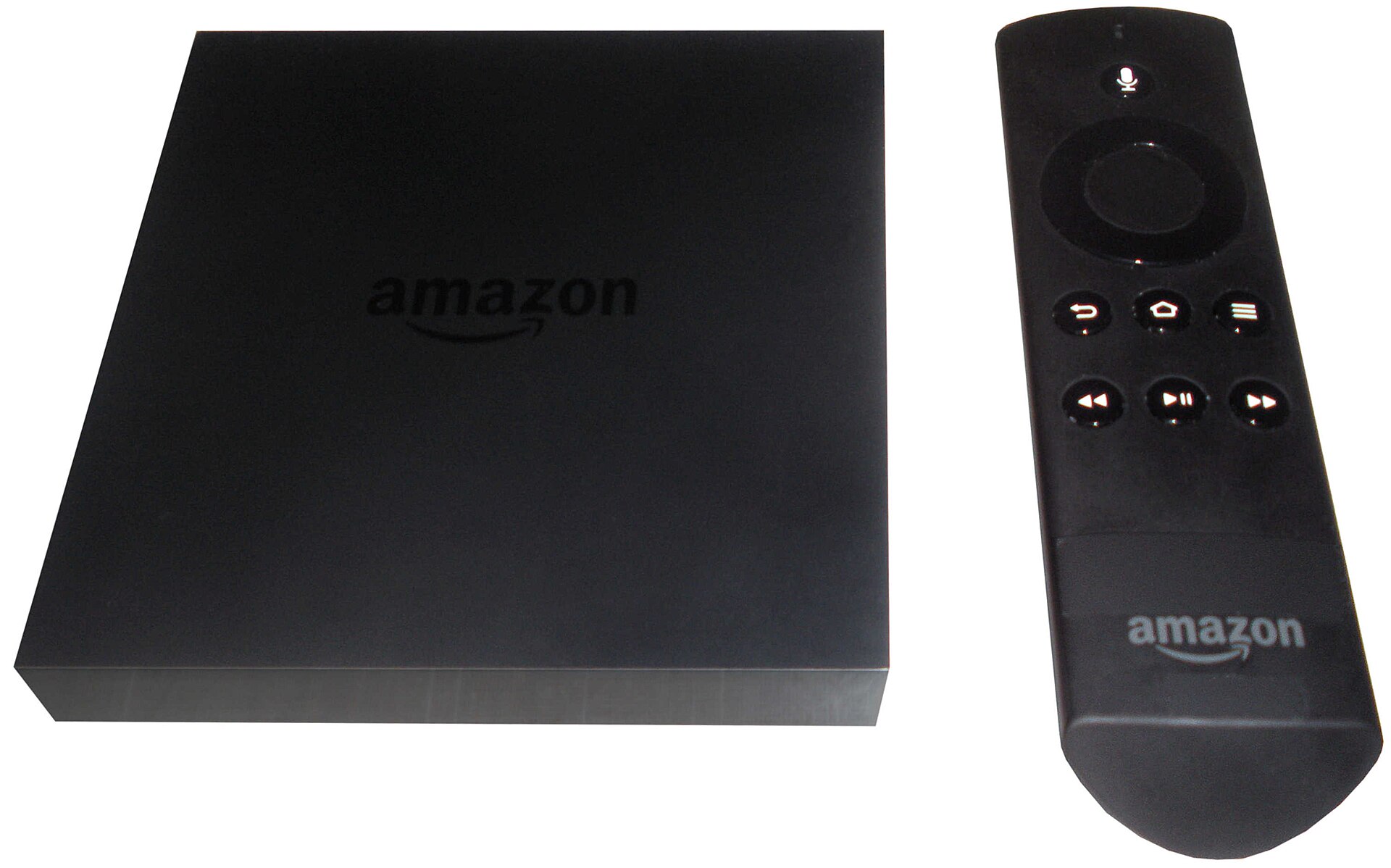
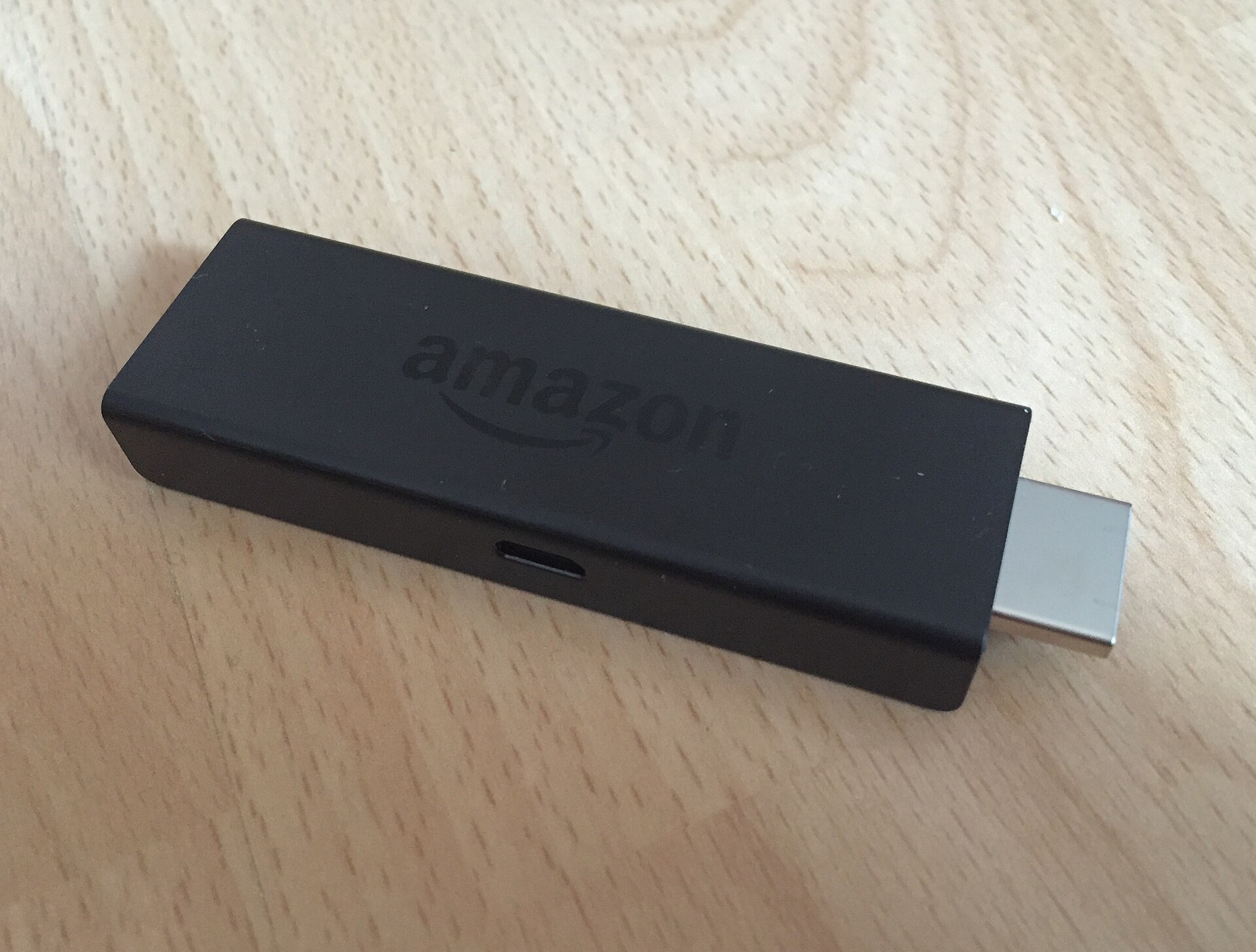
You can have TVRivo running on your Fire TV Stick in about five minutes. You'll install a free app called Downloader, type one number, and sign in by scanning a QR code with your phone. There's no username or password to peck out letter by letter with the remote.

Here's the whole thing, step by step.

First, check which Fire Stick you have

This takes ten seconds and saves a lot of head-scratching. Amazon's newest budget sticks run a different system called Vega OS, and Vega OS doesn't allow apps from outside the Amazon Appstore, so Downloader won't work on them.

  1. Press Home on your remote and open Settings (the gear icon on the right).

  2. Go to My Fire TV › About. On a TV with Fire TV built in, it's Device & Software › About.

  3. Look at Software Version.

If it says Fire OS, you're good to go. If it just says OS and the number starts with 1, you have a Vega OS device. Right now that's the Fire TV Stick 4K Select (2025) and the second-generation Fire TV Stick HD (2026). The Fire TV Stick 4K Plus, 4K Max, Fire TV Cube, the first-generation Fire TV Stick HD and TVs with Fire TV built in all run Fire OS.

Step 1: Install Downloader

Downloader is a free app made by AFTVnews. It's in the Amazon Appstore, so you install it like any other app.

  1. From the home screen, open Find (or the search icon).

  2. Type Downloader and pick Downloader by AFTVnews.

  3. Select Get or Download and wait for it to install.

Step 2: Let Downloader install apps

Fire TV blocks apps from outside the Appstore until you allow it, one app at a time. You only need to do this once.

  1. Go back to Settings › My Fire TV (or Device & Software on a TV).

  2. Open Developer Options.

  3. Select Install unknown apps, then turn Downloader to On.

On older Fire OS versions the setting is called Apps from Unknown Sources instead. Same idea: turn it on.

Don't see Developer Options at all? Amazon hides it on newer sticks. Go to Settings › My Fire TV › About, then click your device's name (the first line) seven times in a row. You'll see a countdown, and then a message that you're now a developer. Press Back and Developer Options will be there.

Step 3: Install the TVRivo app

  1. Open Downloader.

  2. Type 4097027 in the box and press Go.

  3. When it asks, press Install.

  4. When the install finishes, press Open.

That number is a short code that points Downloader at the official TVRivo app, so you don't have to type a web address.

A man on a sofa watching live sports on a big TV

Once you're signed in, everything is on the TV. Your phone is only needed for that first scan.

Step 4: Sign in with your phone

  1. Open the TVRivo app on your TV.

  2. Scan the QR code on the screen with your phone's camera.

  3. Sign in with your email on your phone.

That's it. Your TV signs itself in a moment later, and you can start watching.

No account yet? Start the free 1-day trial on the TVRivo plans page first. You get full access for the day, with 10,000+ live channels and 200,000+ movies and titles, and you can pick a plan later.

Common questions

Clicking the device name doesn't unlock Developer Options

Make sure you're clicking the very first line on the About page (your device's name) and that you click it seven times without leaving the page. If you still see nothing after that, check the software version again. Vega OS devices don't have this option.

I have a Fire TV Stick 4K Select. What now?

Downloader and the TVRivo app won't install on it. You can still watch on another screen: an Android TV box, an Android phone or tablet, an iPhone or iPad, or a computer. The setup guide shows which app to use on each one.

Do I need to keep Downloader?

Not to watch. TVRivo runs on its own once it's installed. Keeping Downloader around is handy if you ever need to reinstall the app.

Can I watch on my phone too?

Yes. On an Android phone or tablet, download the TVRivo app and sign in the same way, by tapping the link the app shows. For iPhone, iPad and computers, follow the setup guide.

Got it working? Go find tonight's game. If something gets stuck along the way, message support and we'll help you finish the setup.

Watch it all on TVRivo

10,000+ live channels and 200,000+ movies & titles. Try it free for a day.
TVRivo Plans

More Fire Stick

See all