Fire TV Remote Not Working? How to Pair It, Reset It or Use Your Phone Instead

Most dead Fire TV remotes come back with fresh batteries, a 10-second press of Home, or Amazon's 12-second reset. Your phone can stand in while you sort it out.

TVRivo Team · October 2, 2026 · 3 min read
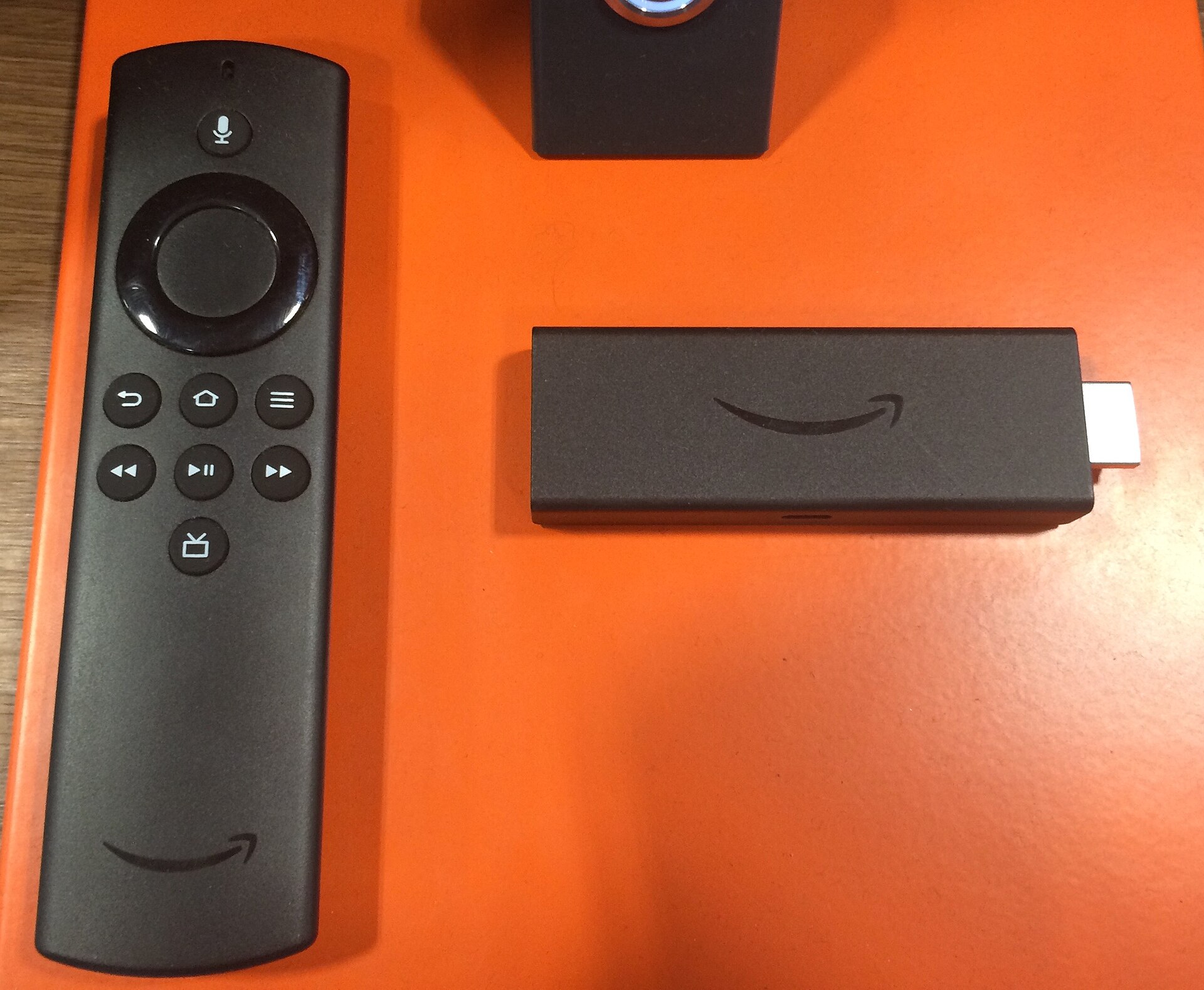
Fire TV Remote Not Working? How to Pair It, Reset It or Use Your Phone Instead

A Fire TV remote that stops responding is almost never broken. Usually the batteries are tired or the remote has lost its pairing with the stick, and both take a minute to fix. Go through these in order.

1. Put in fresh batteries

Most Fire TV remotes take two AAA batteries. Swap both for new ones, not ones from a drawer, and check they're in the right way round. Weak batteries cause the strangest problems, like a remote that works for a second and then stops, or only some buttons responding.

2. Get closer, and give the stick some room

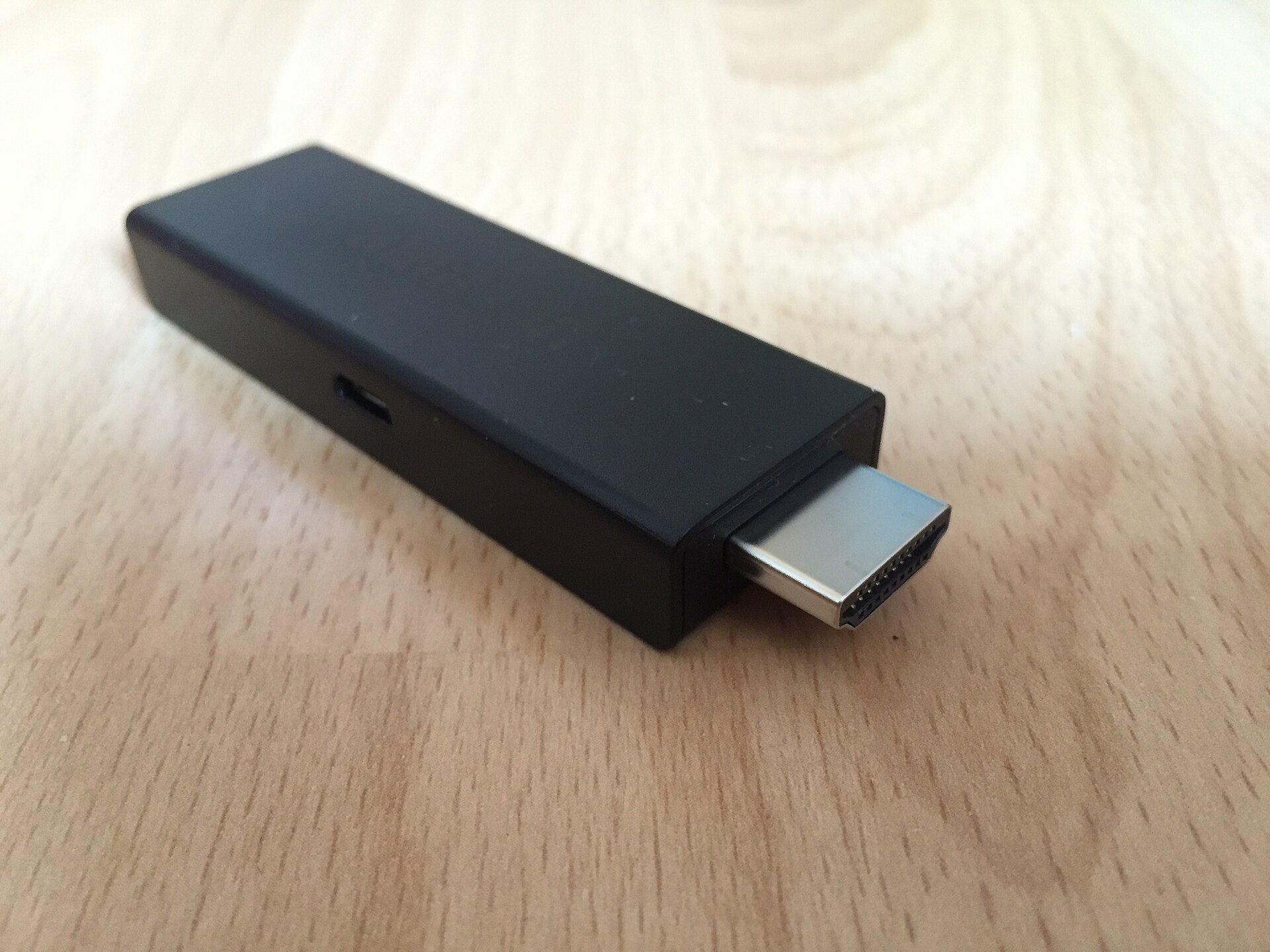
Fire TV remotes talk to the stick over Bluetooth, so you don't need to point them at the TV. But a stick tucked behind a wall-mounted TV is surrounded by metal, which weakens the signal. Try the remote from closer up. If that helps, plug the stick into an HDMI extender cable so it hangs out in the open.

3. Pair the remote again

If the light on the remote flashes orange when you press a button, the remote isn't paired with your Fire TV. To pair it:

  1. Stand close to the TV.

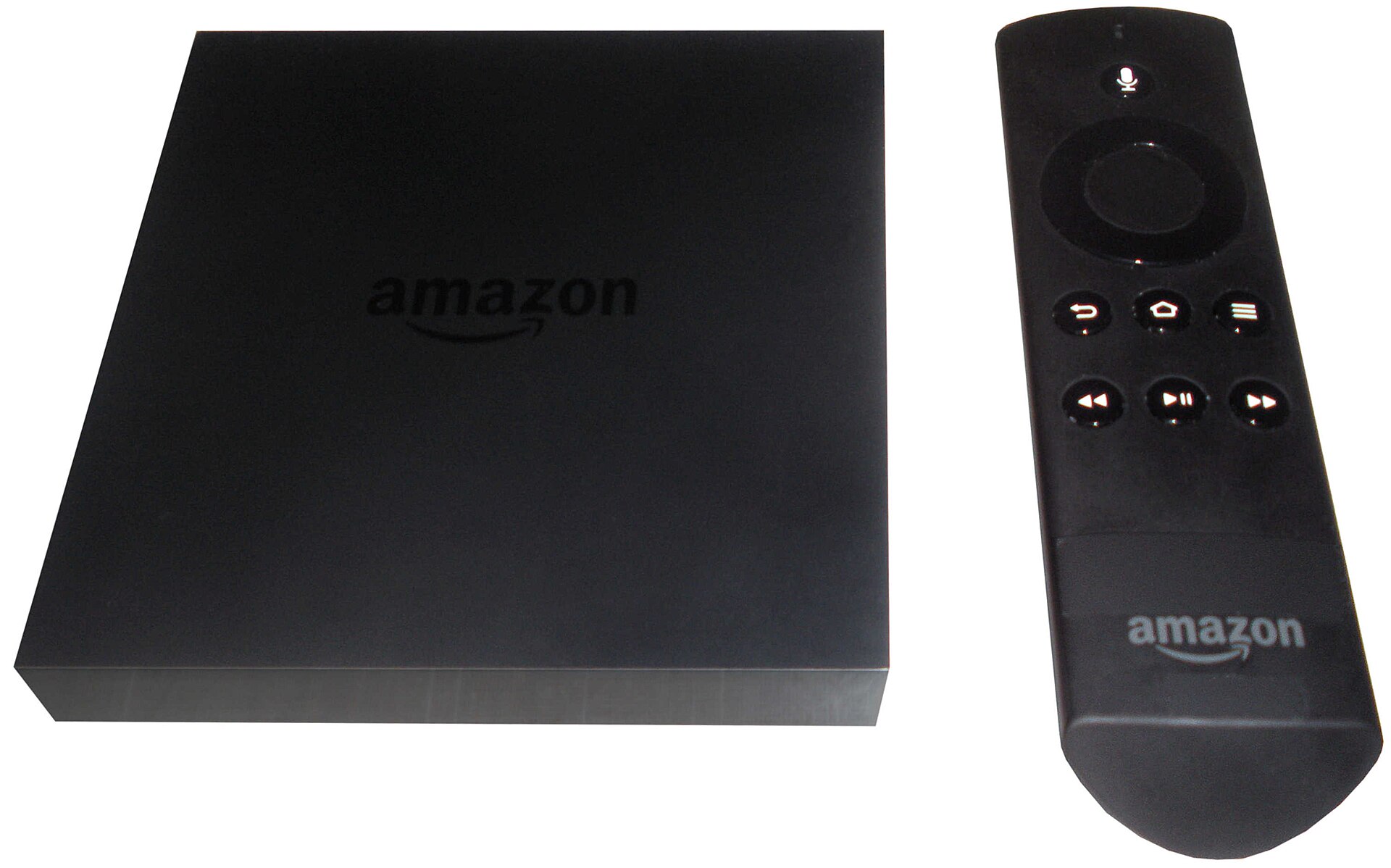
  2. Press and hold Home for 10 seconds.

  3. Let go when the light on the remote blinks blue. That means it's paired.

4. Reset the remote

If pairing doesn't help, Amazon's full reset usually does. It takes about two minutes:

  1. Unplug the Fire TV from the power and wait 60 seconds.

  2. On the remote, press and hold Left, Menu and Back together for 12 seconds.

  3. Let go and wait five seconds.

  4. Take the batteries out of the remote.

  5. Plug the Fire TV back in and wait until the home screen says no remote was found.

  6. Put the batteries back in. The light should blink blue when it pairs.

  7. If it doesn't pair on its own, press and hold Home for 10 seconds.

5. Volume or power buttons don't work

These buttons control your TV, not the stick, so they need to know what TV you have. On the Fire TV, go to Settings › Equipment Control › Manage Equipment › TV and choose Change TV to run the setup again. If the brand it picks doesn't work, try another one from the list.

The power button also relies on a TV feature called HDMI-CEC. Make sure it's on in your TV's settings. Samsung calls it Anynet+, LG calls it SimpLink and Sony calls it Bravia Sync.

Use your phone as a remote in the meantime

Amazon's free Fire TV app turns your phone into a remote, with a keyboard that's much faster for typing than the real thing.

  1. Install the Fire TV app on your phone from the App Store or Google Play.

  2. Connect your phone to the same Wi-Fi network as the Fire TV.

  3. Open the app and sign in with your Amazon account.

  4. Tap the remote icon, then Set Up New Fire TV, and follow the steps on screen.

Still not working?

If a fully reset remote with new batteries still won't pair, the remote itself has probably failed. Amazon sells replacements. Check that the one you buy lists your Fire TV model as compatible. Your TVRivo app and sign-in stay as they are, so you'll be back to watching as soon as the new remote pairs.

Picture freezing as well? Our guide to fixing Fire Stick buffering and freezing covers the rest.

Watch it all on TVRivo

10,000+ live channels and 200,000+ movies & titles. Try it free for a day.
TVRivo Plans

More Fire Stick

See all