
Install an IPTV Account on Apple TV and iOS
Step 1: Install an IPTV Player Step 2: Open the IPTV App Step 3: Select Login Method Step 4: Enter IPTV Credentials Step 5: Load Channels Step 6: Start Streaming
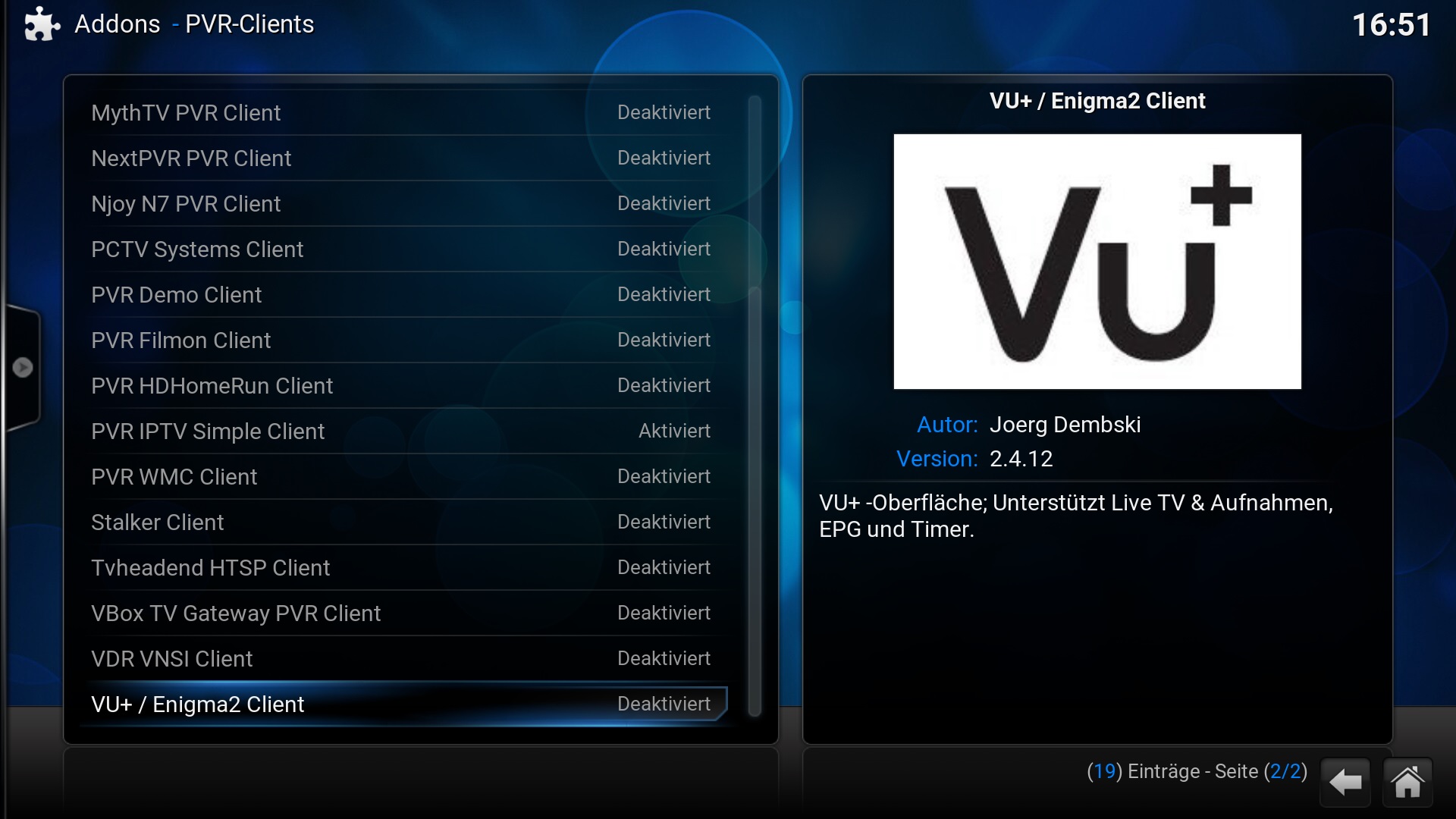
Step 1: Open Kodi Step 2: Go to System Settings Step 3: Enable Unknown Sources Step 4: Install PVR IPTV Simple Client Step 5: Configure IPTV Add-on Step 6: Enter…
Step 1: Connect Your Device Step 2: Install IPTV Plugin Step 3: Get Your IP Address Step 4: Access via FTP or Web Interface Step 5: Add IPTV Credentials Step…
Step 1: Open Kodi Step 2: Enable PVR IPTV Simple Client Step 3: Configure the IPTV Client Step 4: Enter IPTV Playlist URL Step 5: Enable the Client Step 6:…
Step 1: Open the App Store Step 2: Install the IPTV App Step 3: Launch the IPTV App Step 4: Select Login Method Step 5: Enter IPTV Credentials Step 6:…
Step 1: Install an IPTV Player Step 2: Open the IPTV App Step 3: Choose a Login Method Step 4: Enter IPTV Details Step 5: Load IPTV Content Step 6:…
Apple TV is one of the most powerful and user friendly streaming devices available today. With its smooth interface, strong performance, and excellent video quality, its also a great choice…