



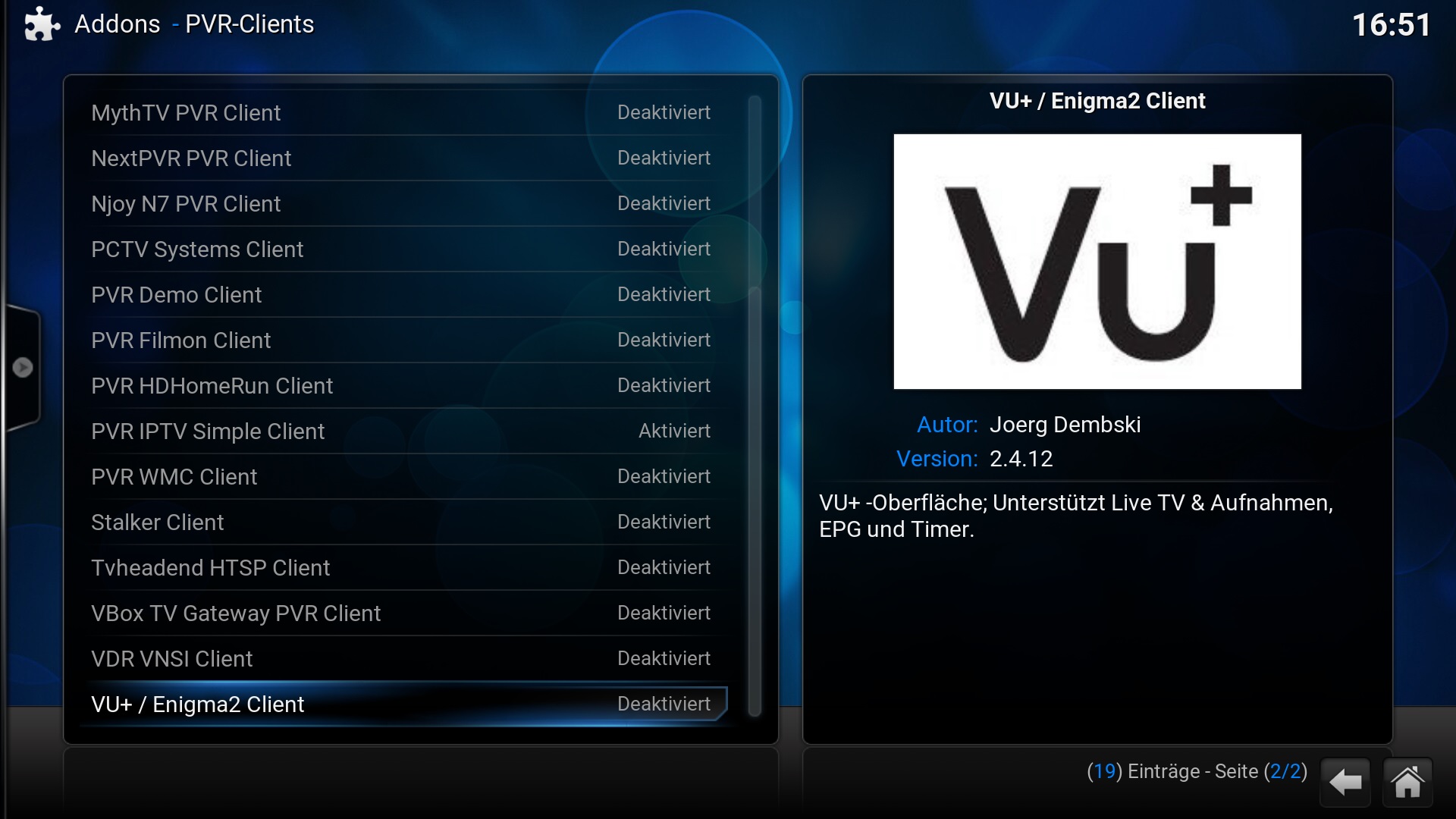
-
 admin
admin
- June 1, 2026
Step 1: Connect Your Device
- Make sure your Enigma2 VU+ receiver is connected to the internet.
- Ensure your device is powered on and ready.
Step 2: Install IPTV Plugin
- Access the plugin menu on your Enigma2 device.
- Install an IPTV plugin such as XtreamTV or IPTV Player.
Step 3: Get Your IP Address
- Go to Network Settings.
- Copy the IP Address of your VU+ device.
Step 4: Access via FTP or Web Interface
- Open a browser on your PC.
- Enter your VU+ IP address to access the web interface.
Step 5: Add IPTV Credentials
- Open your IPTV plugin settings.
- Enter Username, Password, and Server URL (or M3U link).
- Save the configuration.
Step 6: Restart Enigma2 Device
- Reboot your VU+ receiver to apply changes.
- Wait for channels to load.
Step 7: Start Watching IPTV
- Open the TV or IPTV section.
- Select channels and enjoy streaming.