



-
 admin
admin
- June 1, 2026
Step 1: Install Downloader
- Open the Firestick home screen.
- Go to Search and install the Downloader app.
Step 2: Enable Unknown Apps
- Open Settings.
- Select My Fire TV.
- Open Developer Options.
- Enable Install Unknown Apps for Downloader.
Step 3: Download the IPTV App
- Open Downloader.
- Enter the IPTV app download URL.
- Download and install the application.
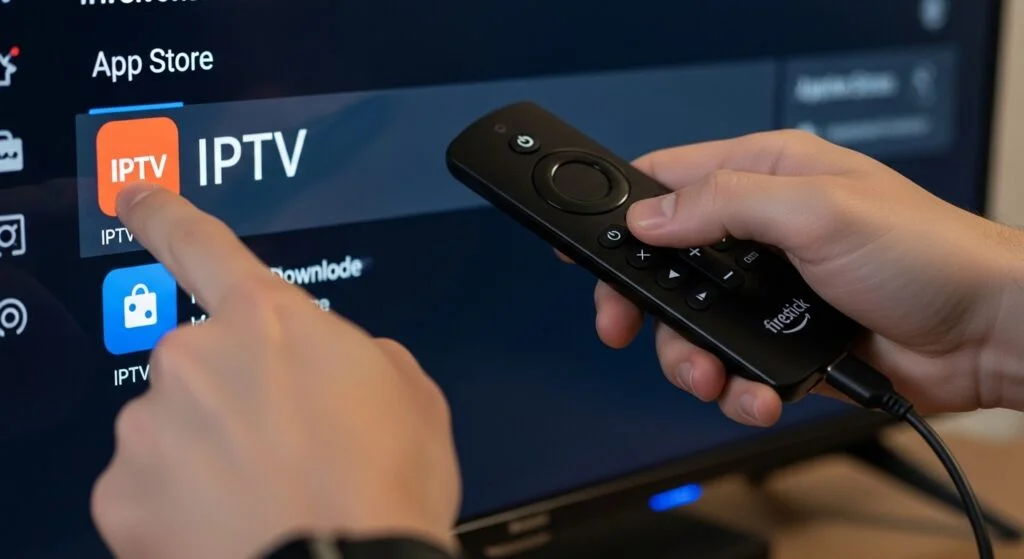
Step 4: Open the IPTV App
- Launch the installed IPTV player.
Step 5: Enter IPTV Credentials
- Select Login with Xtream Codes API.
- Enter Username, Password, and Server URL.
- Click Login.
Step 6: Start Streaming
- Wait for channels and content to load.
- Enjoy live TV, movies, and series on your Firestick.