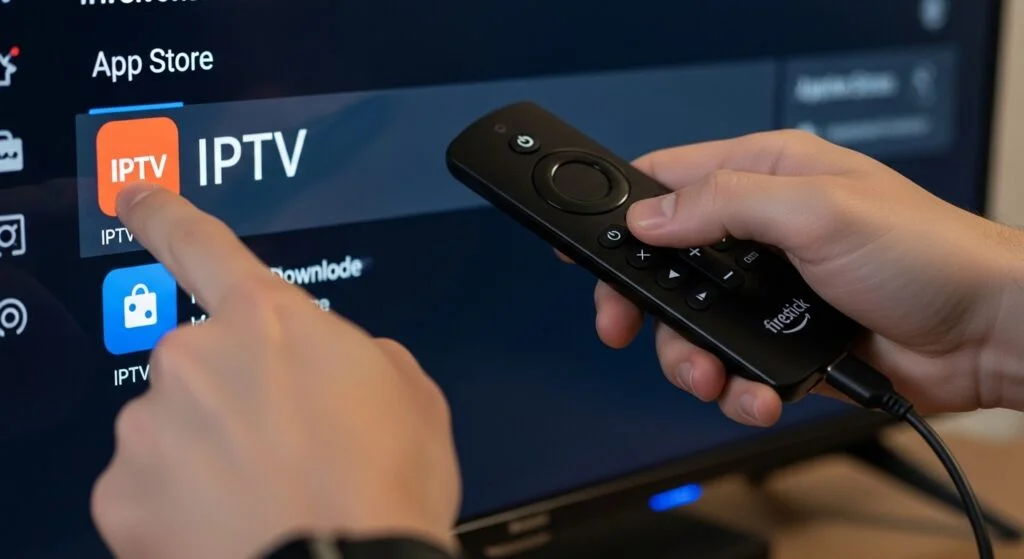

Install an IPTV Account on Apple TV and iOS
Step 1: Install an IPTV Player Step 2: Open the IPTV App Step 3: Select Login Method Step 4: Enter IPTV Credentials Step 5: Load Channels Step 6: Start Streaming
Step 1: Install Downloader Step 2: Enable Unknown Apps Step 3: Download the IPTV App Step 4: Open the IPTV App Step 5: Enter IPTV Credentials Step 6: Start Streaming