Install an IPTV Account on Apple TV and iOS
Step 1: Install an IPTV Player Step 2: Open the IPTV App Step 3: Select Login Method Step 4: Enter IPTV Credentials Step 5: Load Channels Step 6: Start Streaming
-
admin
- June 1, 2026


Step 1: Install an IPTV Player Step 2: Open the IPTV App Step 3: Select Login Method Step 4: Enter IPTV Credentials Step 5: Load Channels Step 6: Start Streaming
admin
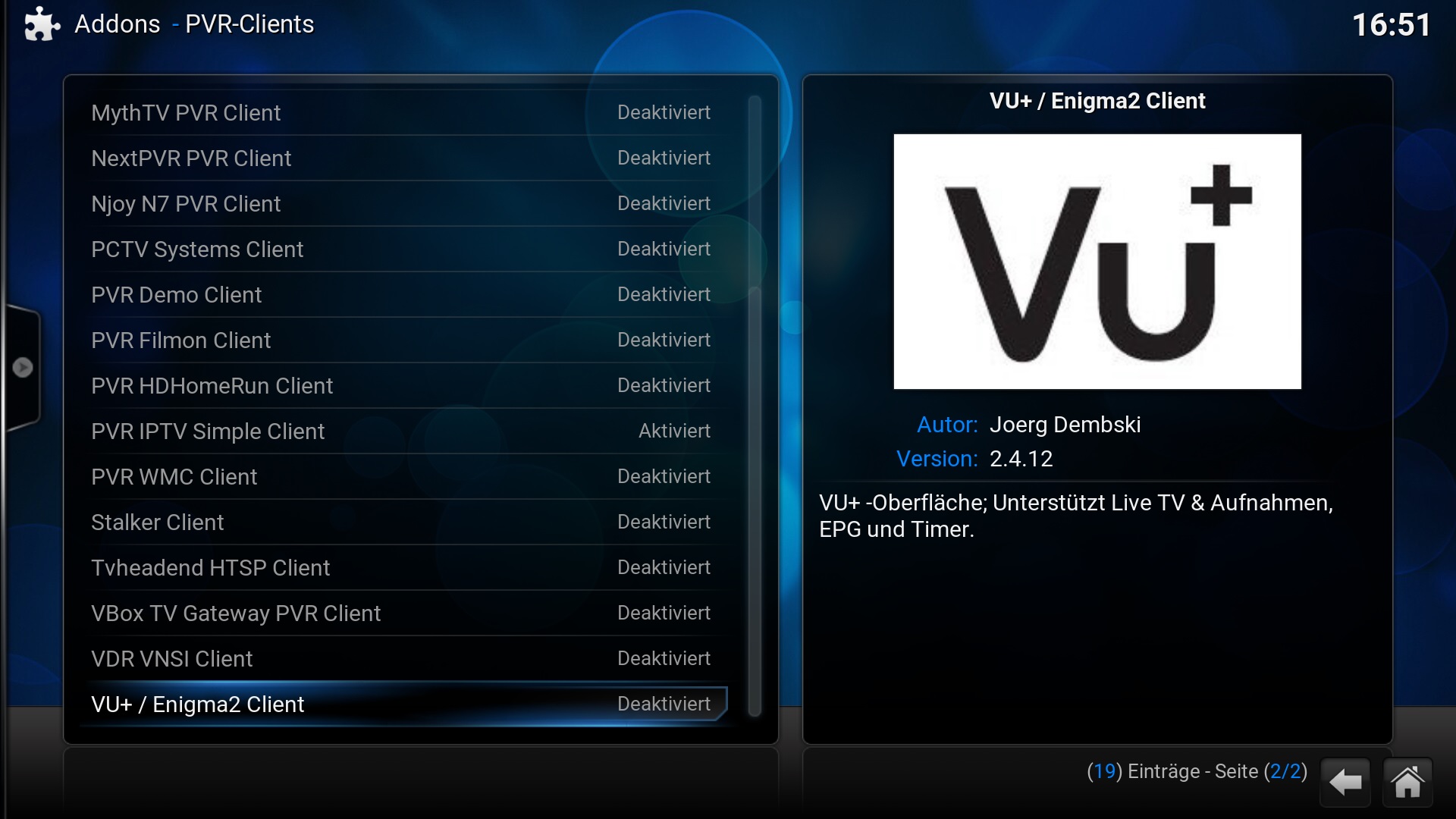
Step 1: Open Kodi Step 2: Go to System Settings Step 3: Enable Unknown Sources Step 4: Install PVR IPTV Simple Client Step 5: Configure IPTV Add-on Step 6: Enter…
admin
Step 1: Connect Your Device Step 2: Install IPTV Plugin Step 3: Get Your IP Address Step 4: Access via FTP or Web Interface Step 5: Add IPTV Credentials Step…
admin
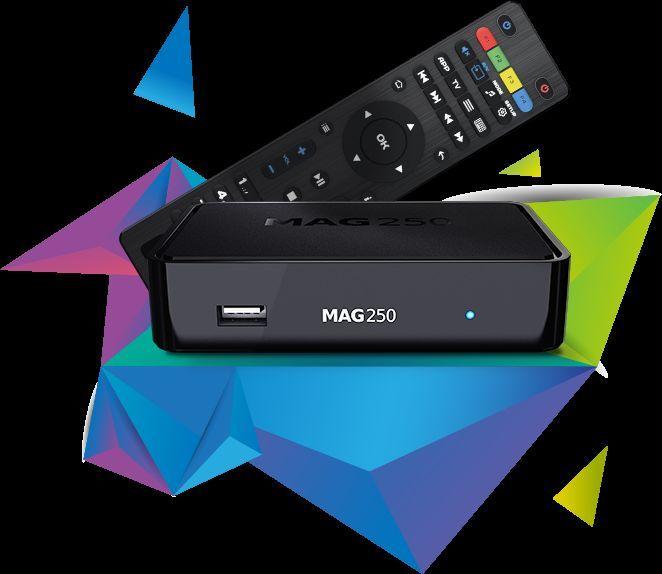
Step 1: Install MAG Emulator Step 2: Find Your MAC Address Step 3: Send the MAC Address Step 4: Enter the Portal URL Step 5: Save the Settings Step 6:…
admin
Step 1: Open Kodi Step 2: Enable PVR IPTV Simple Client Step 3: Configure the IPTV Client Step 4: Enter IPTV Playlist URL Step 5: Enable the Client Step 6:…
admin
Step 1: Open the App Store Step 2: Install the IPTV App Step 3: Launch the IPTV App Step 4: Select Login Method Step 5: Enter IPTV Credentials Step 6:…
admin
Step 1: Install an IPTV Player Step 2: Open the IPTV App Step 3: Choose a Login Method Step 4: Enter IPTV Details Step 5: Load IPTV Content Step 6:…
admin
Step 1: Install Downloader Step 2: Enable Unknown Apps Step 3: Download the IPTV App Step 4: Open the IPTV App Step 5: Enter IPTV Credentials Step 6: Start Streaming
admin
Apple TV is one of the most powerful and user friendly streaming devices available today. With its smooth interface, strong performance, and excellent video quality, its also a great choice…
admin
Kodi 21.3 is the latest stable release of the popular media player, bringing performance improvements, bug fixes, and better compatibility with modern streaming devices. One of the most popular devices…
admin